How to Manage a Publication
Publishers can manage articles and contributors.
Publications have two levels of contributors:
- Editors who can write, edit, and publish. Editors have two roles: managing articles and Publication (e.g., reviewing and approving articles for publication and managing the Publication by editing font, color, avatar, banner or other customization options ) and managing contributors (e.g., adding new writers to your Publication).
- Writers who can write and submit for approval to an editor.
To add new contributors to your Publication, simply click on the Edit Publication button:
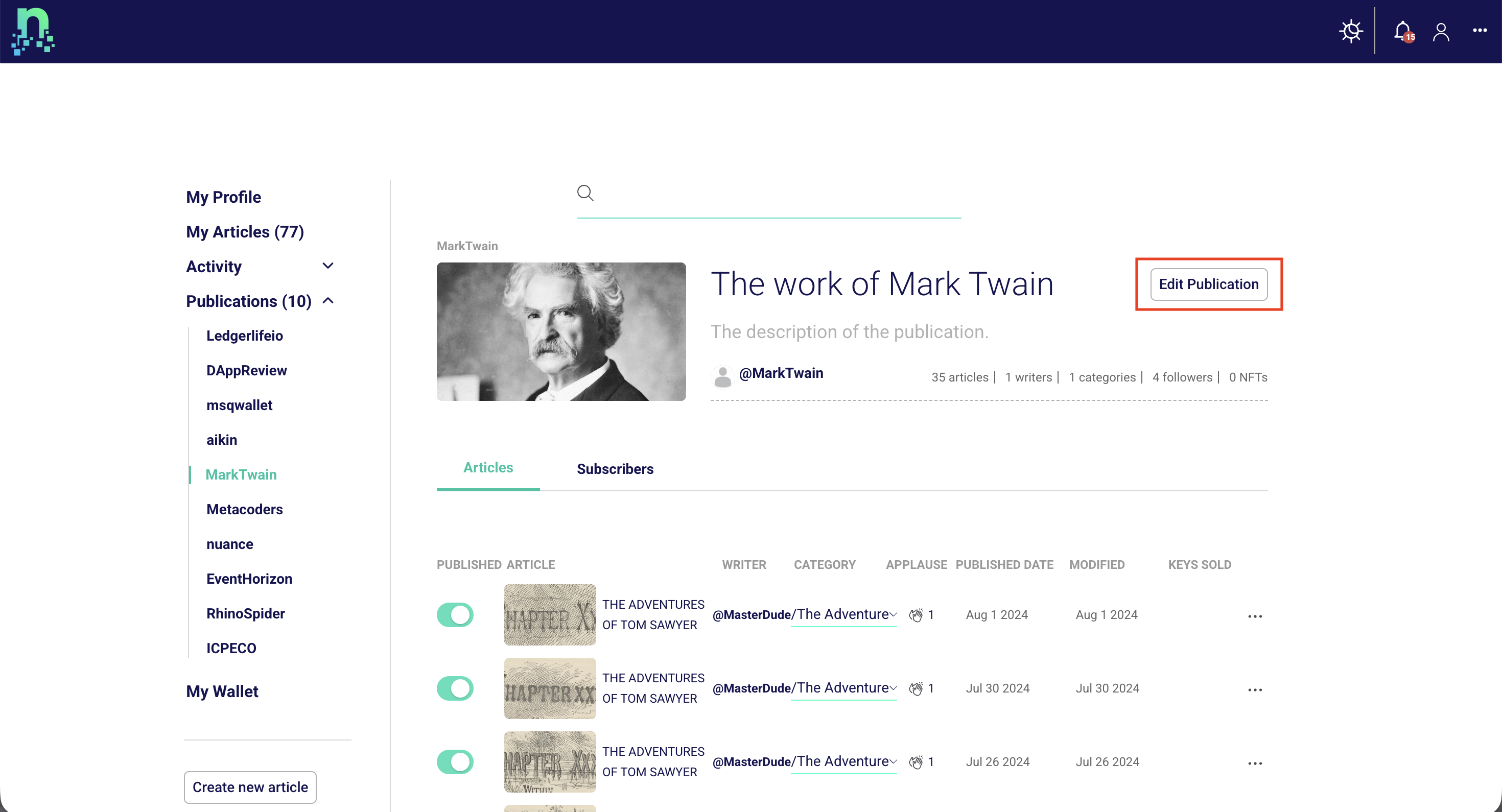
Editing a Publication
Enter the user handle in the Editors or Writers section at the bottom of the Publication customization page, and then click on the save button:
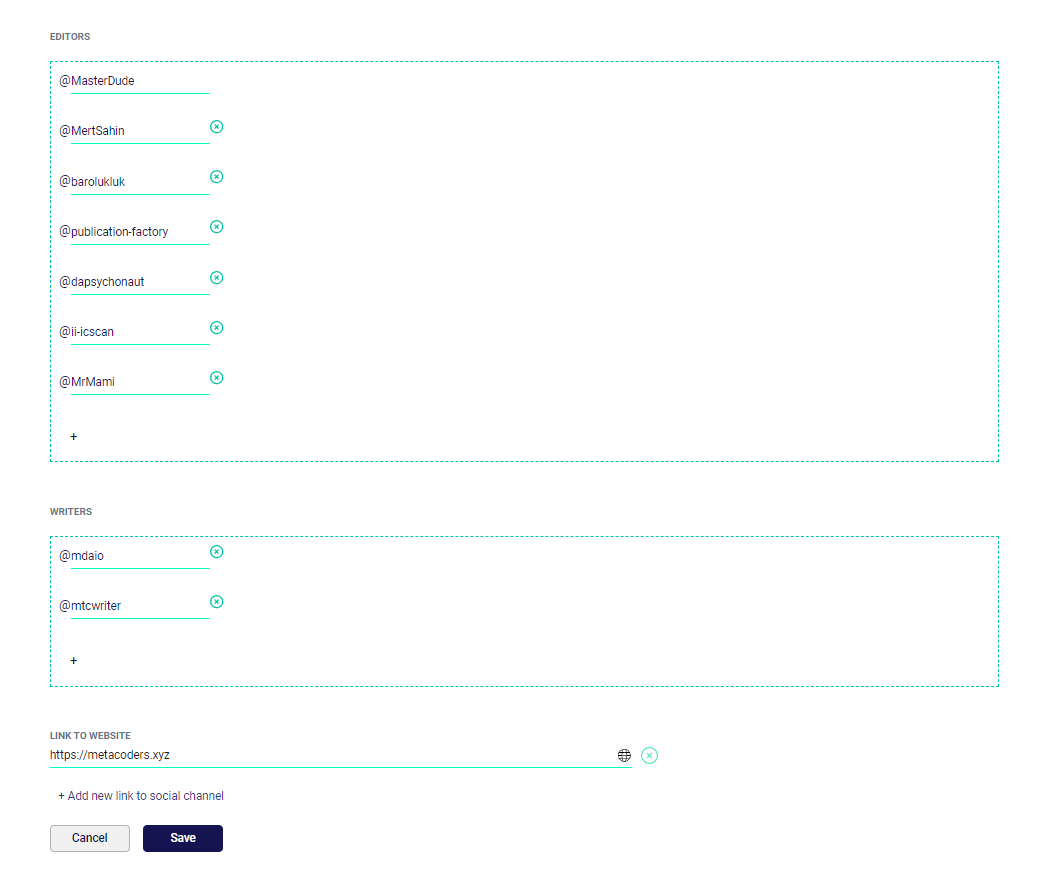
Adding Contributors
Other information you should consider:
- You can have more than one Publication
- Publication handle cannot be changed
- Publication title can be changed